Bring order to
demanding work.

We build DNM for consistent document names and EMP Intake for evidence and casework.

Explore our software
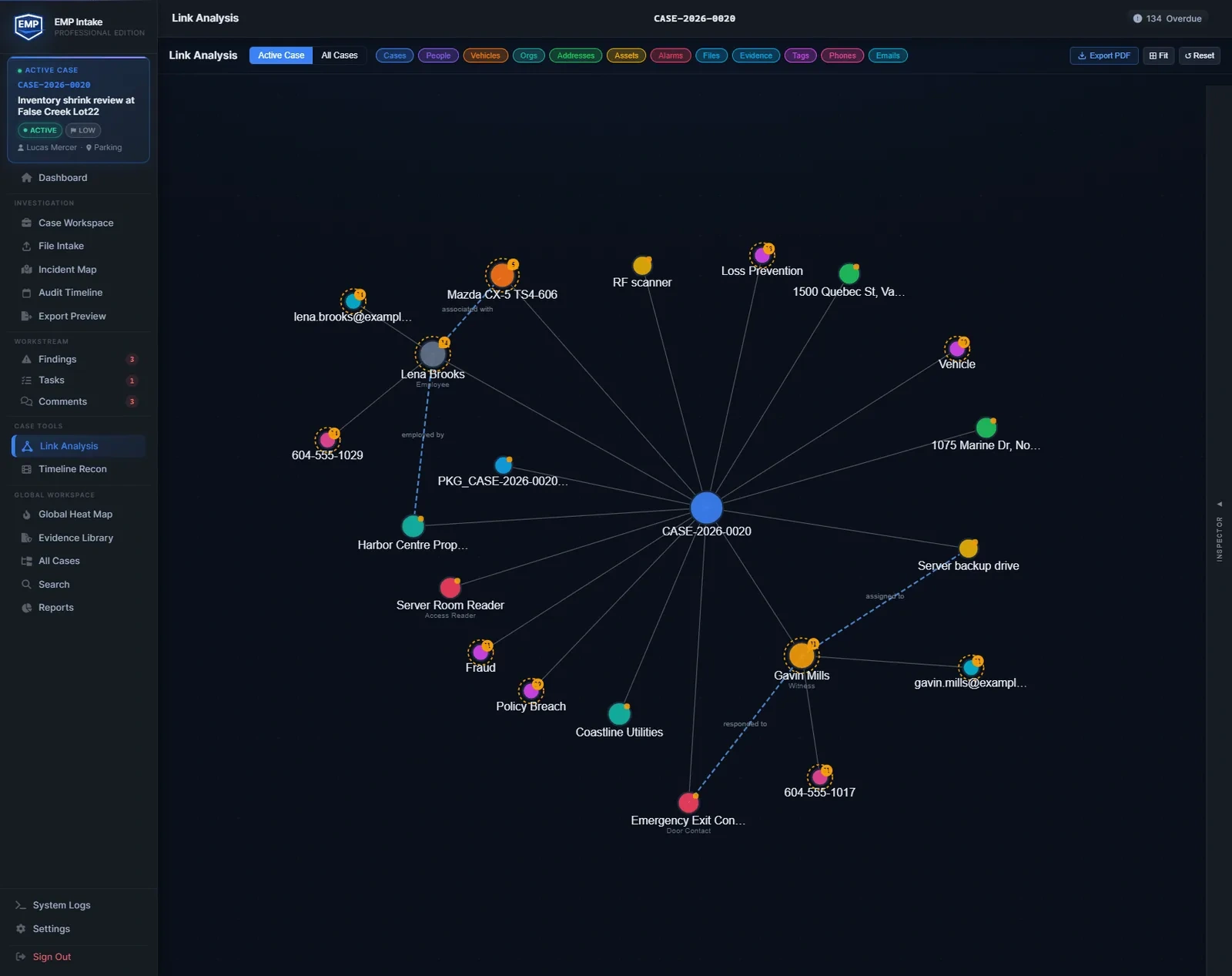
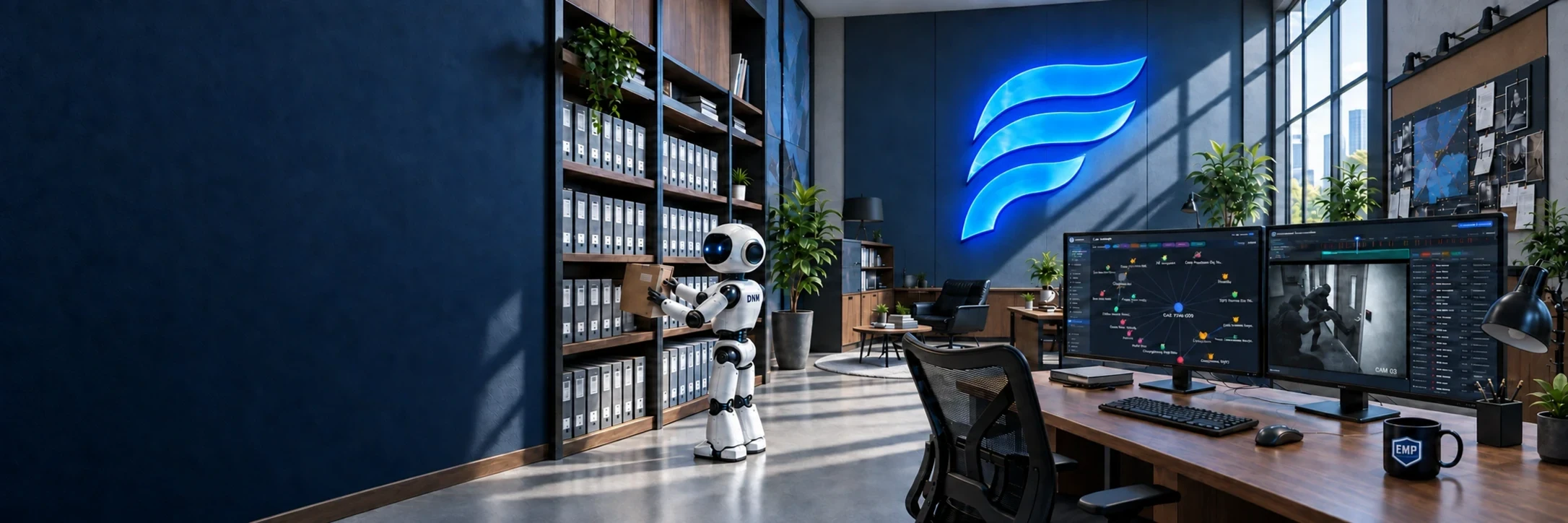
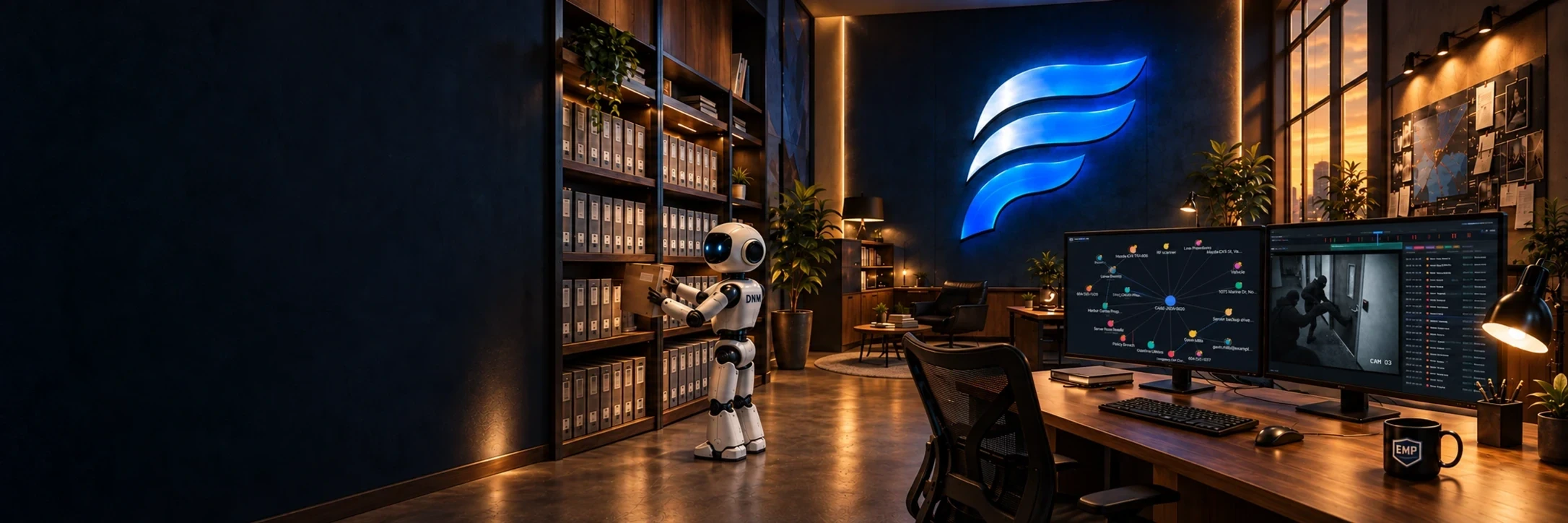
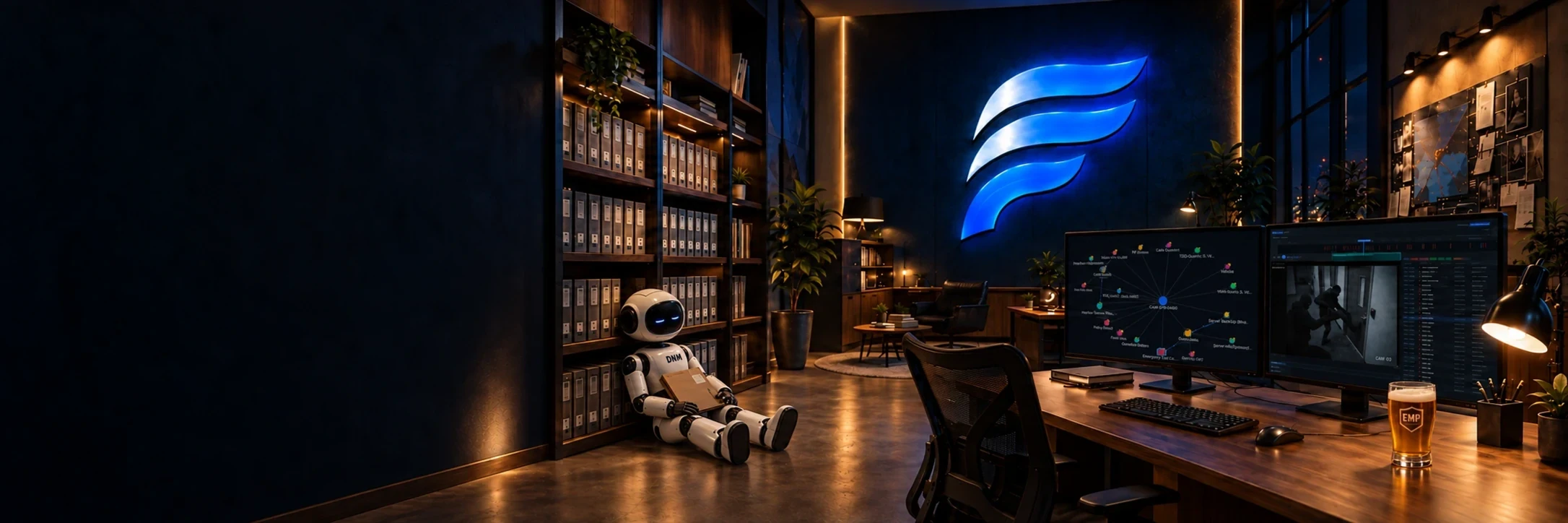
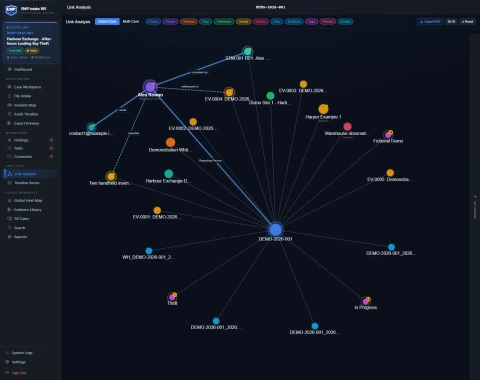
EMP Link Analysis on the left monitor, showing connections between a case, people and evidence.
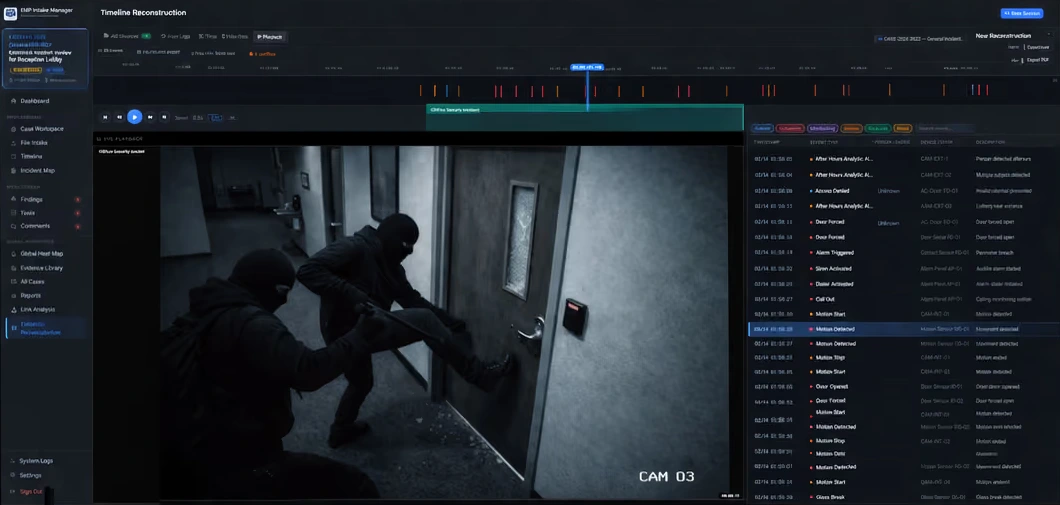
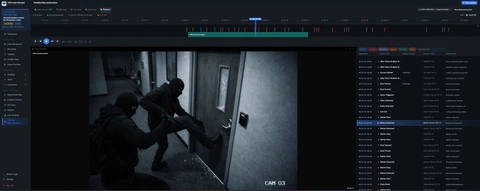
EMP Timeline Reconstruction on the right monitor, showing video playback, event markers and an event list.

DNM

Document Naming Manager

Standardize filenames and review changes before saving them on your Windows PC.

OriginalCASE-2025-0003_Link_Analysis_26_04_06.pdf
ReviewedCASE-2025-0003_20260406_Link-Analysis_RPT.pdf
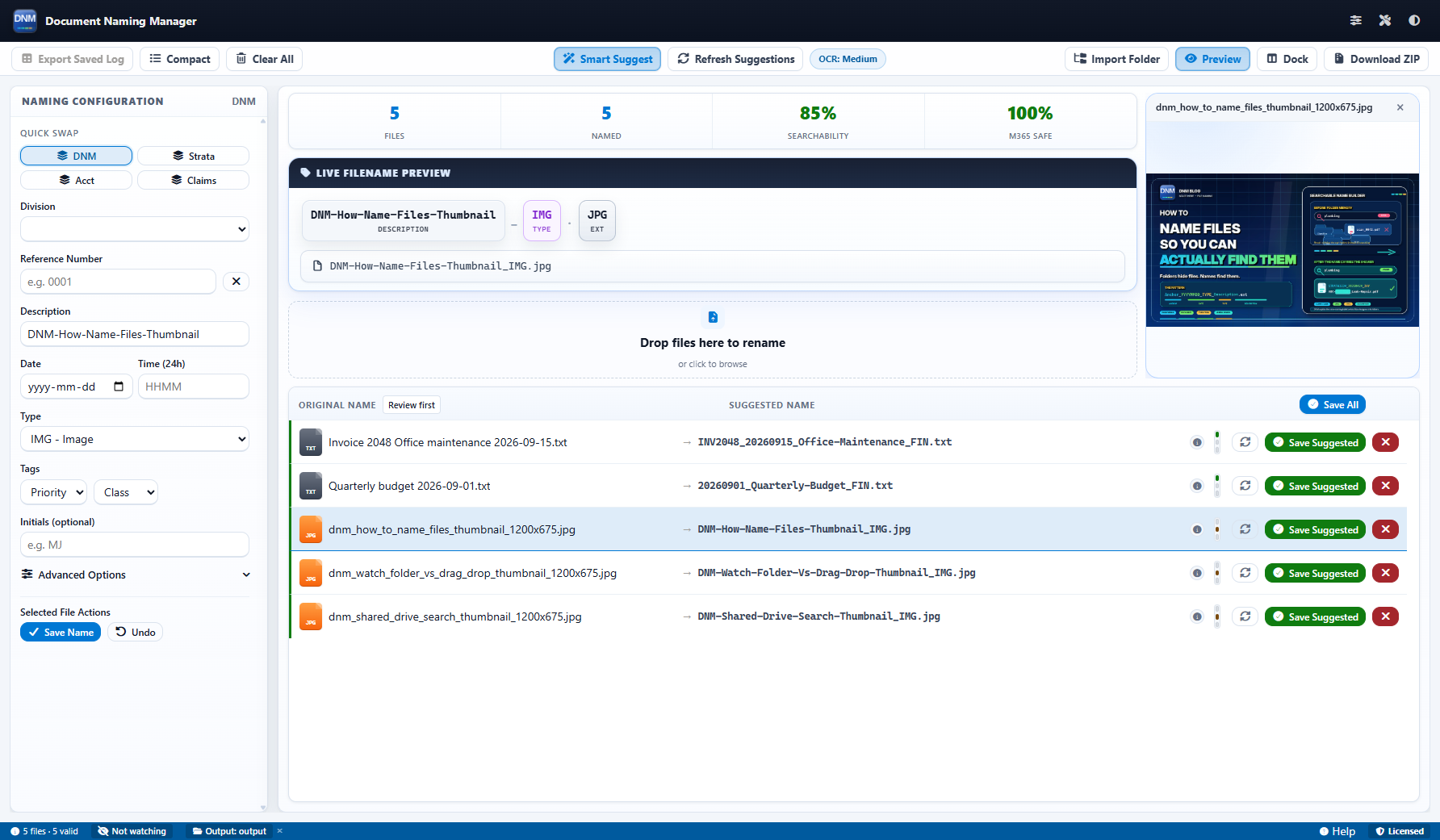
Document Naming Manager showing five original filenames alongside automatically suggested names, including sample invoice and budget files, with a live filename preview.
Review suggested names and check the live preview before saving.

EMP Intake

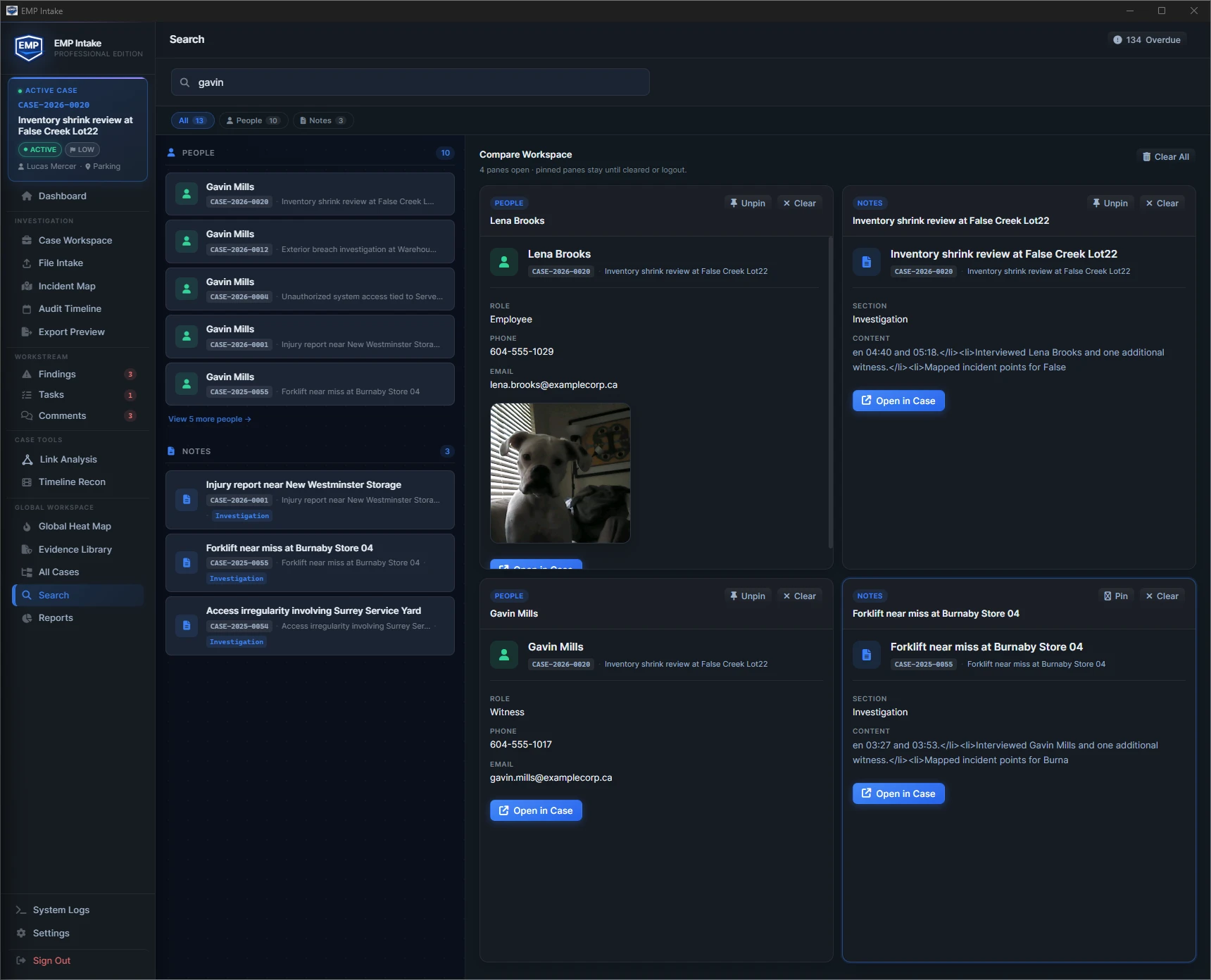
Organize evidence and casework. Follow events, examine connections and search across records.

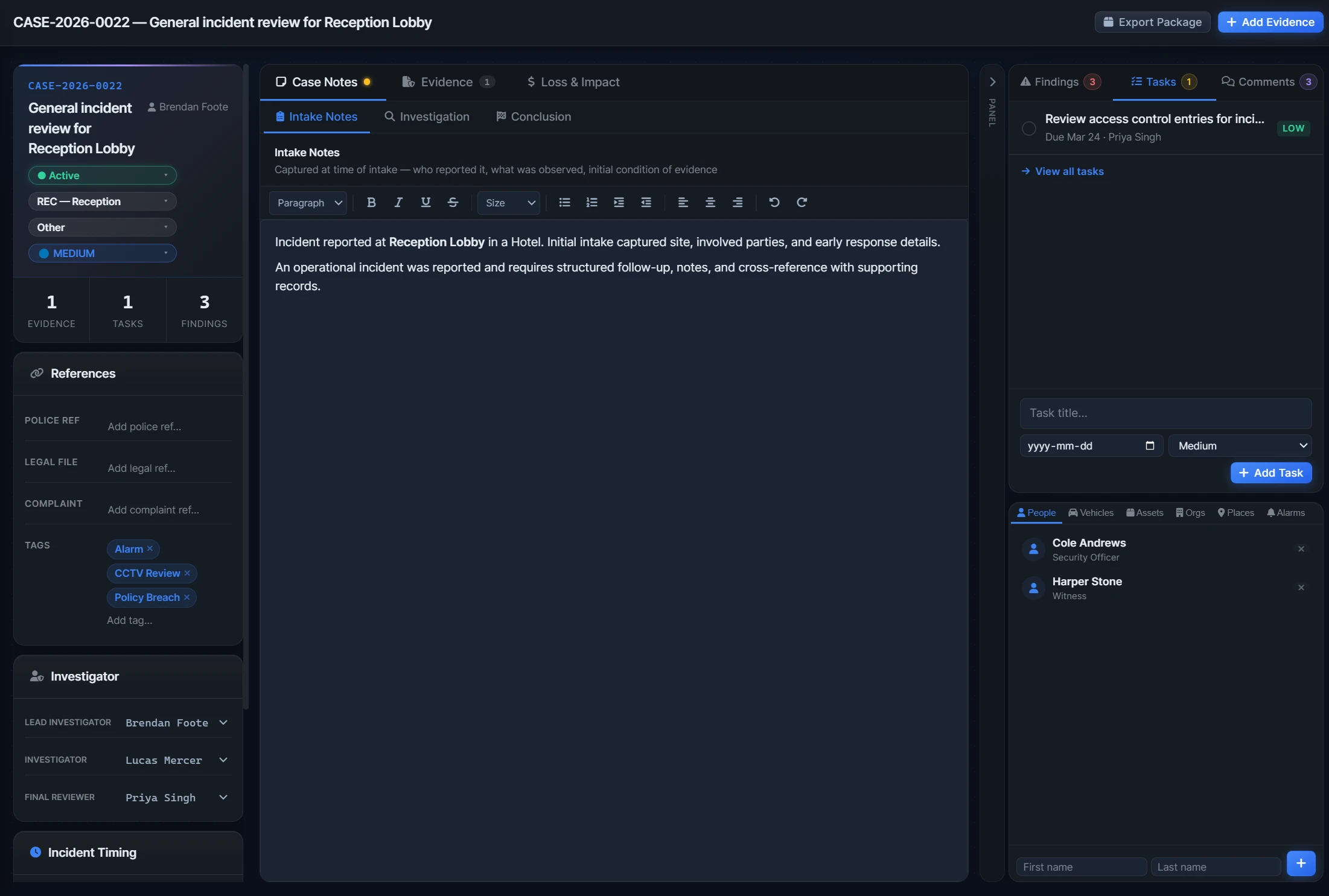
EMP Case Workspace showing a case reference, intake notes, evidence, tasks, findings and linked people.
Keep the case reference, notes, evidence and follow-up tasks together in the workspace.
EMP Timeline Reconstruction showing event markers, video playback and an event record list.
Follow the event markers above the footage, then read the corresponding event list.
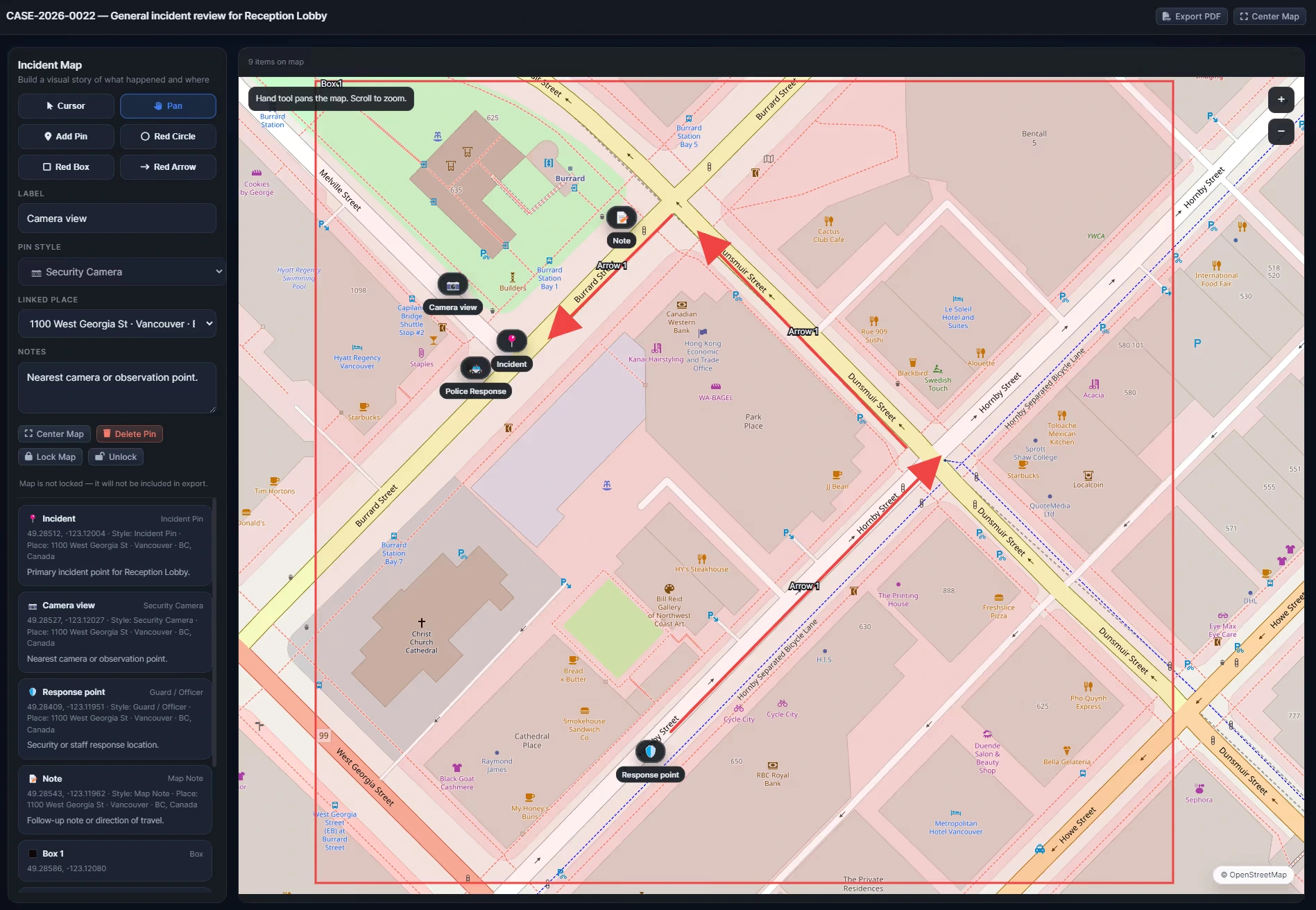
EMP Incident Map showing a Vancouver street map with evidence pins, incident and response points, arrows and scene annotations.
Locate the incident, camera view and response points on the annotated street map.
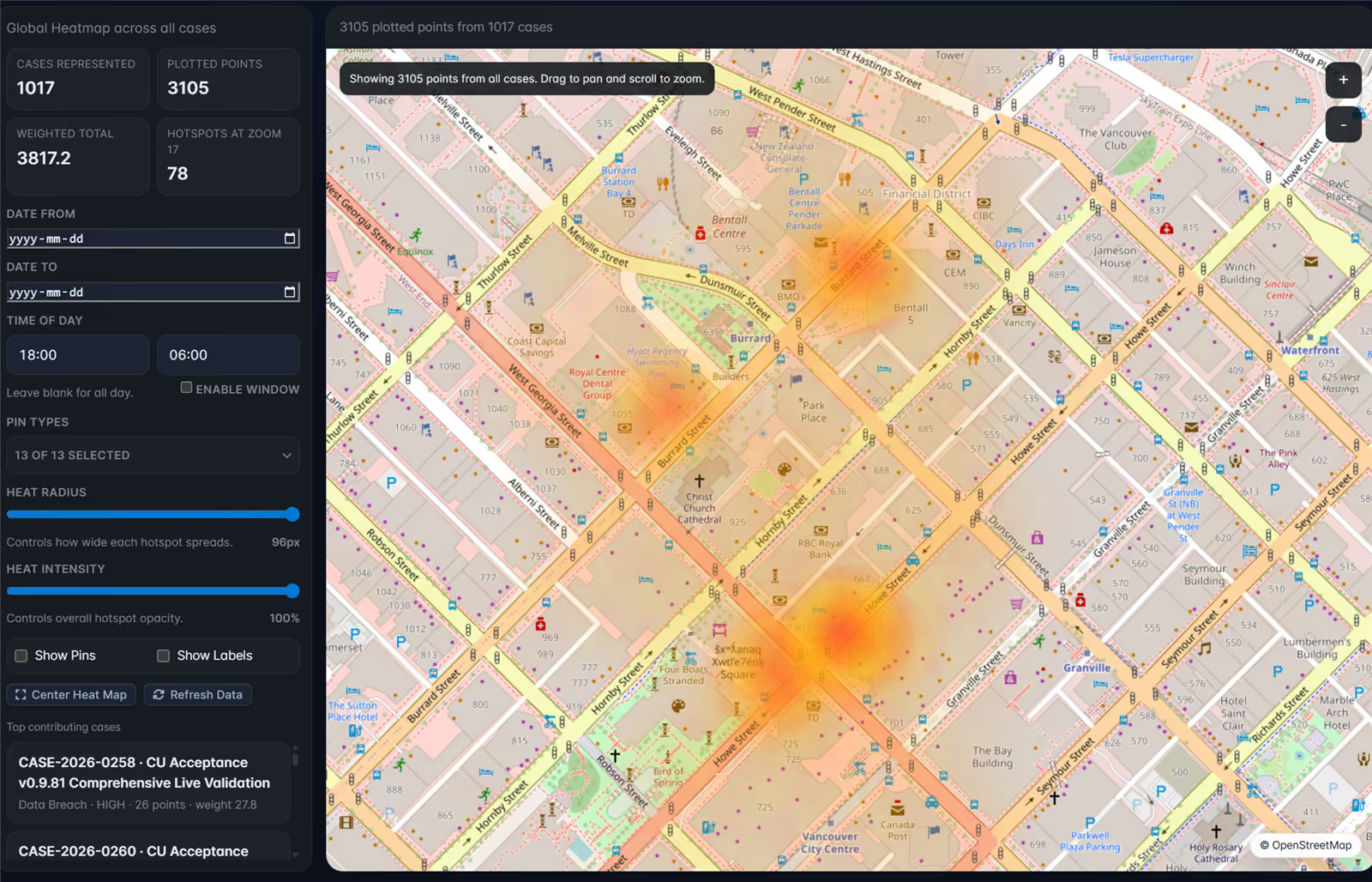
EMP Global Heat Map showing hotspots across cases on a Vancouver street map, with date, time-of-day and pin-type filters.
See where plotted points cluster across cases, with date, time-of-day and pin-type filters.

Screenshots show separate example cases.

Product screenshot

FALCREX Systems.

A software company in Vancouver, BC.

While building EMP Intake, we needed a consistent way to name documents. That workflow became DNM, a standalone Windows app.

Today, we build both: DNM for consistent filenames, and EMP Intake for evidence and casework. Our experience spans physical security, incident response, technical support and product escalation.

Meet the founders and our advisor

Contact

Get in touch

Product support

Ask us a question